Browse Abandonment Emails: The Overlooked Flow That Recovers 15% More Revenue
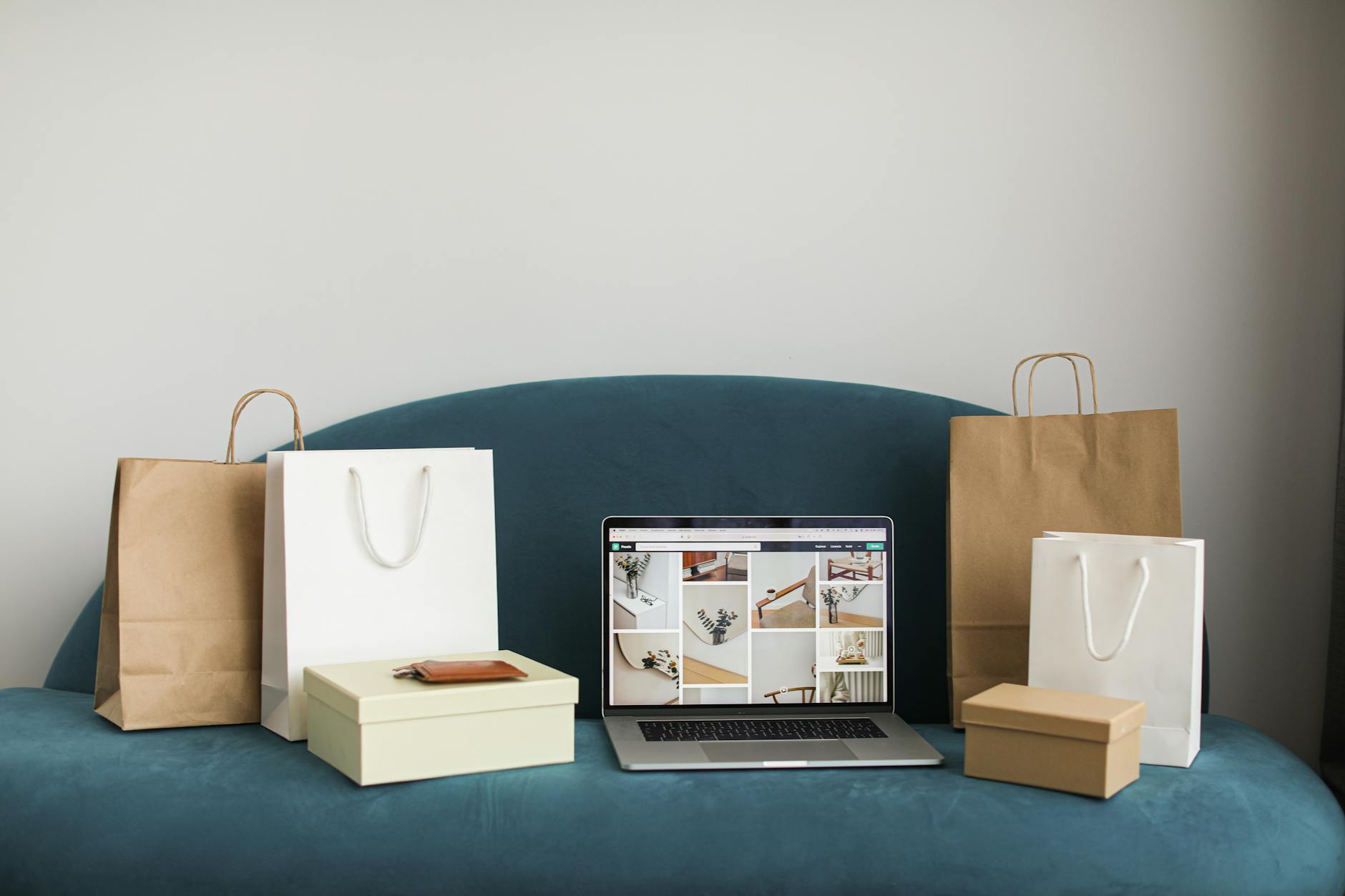
Every e-commerce store has an abandoned cart flow. It’s the first automation anyone builds. But here’s a number that should bother you: only 10-15% of your store visitors ever add something to their cart. The other 85-90% browse, look at products, and leave without taking any action.
That’s an enormous pool of expressed interest that most stores completely ignore.
Browse abandonment emails target these visitors — the ones who viewed a product page but didn’t add to cart or purchase. And when built correctly in Klaviyo, they recover an additional 10-15% of revenue on top of what your abandoned cart flow already captures.
We’ve built browse abandonment flows for 300+ Shopify stores. Most stores don’t have one. The ones that do usually have it built wrong. Here’s how to do it right — and if you want the condensed build reference, see our Klaviyo browse abandonment flow guide.
Key Takeaways
- Browse abandonment flows generate 3-8% of total email revenue — making them the third highest-revenue flow after abandoned cart and welcome series
- The optimal flow has 2-3 emails sent over 48 hours, starting 1-2 hours after the browse event
- Suppression filters are critical — without them, you’ll annoy customers who already bought or are in other flows
- Product-specific emails (showing the exact item they viewed) convert 62% better than generic “come back” emails
- Adding social proof (reviews, star ratings) to browse abandonment emails lifts click-through rates by 35%
- Segmenting the flow by customer type (new vs. returning) increases revenue per recipient by 20-25%
Why Browse Abandonment Works
The psychology is simple: someone came to your store, found a product interesting enough to click on, spent time looking at the details — and then left. That’s not random browsing. That’s intent.
They didn’t buy for a reason. Common reasons:
- Got distracted (phone call, notification, child crying) — 38%
- Comparing options (checking your competitors or other products on your site) — 28%
- Not ready to buy yet (payday is next week, waiting for a sale, etc.) — 22%
- Price hesitation (liked the product, not sure about the price) — 19%
- Needed more information (sizing, materials, reviews) — 15%
Notice that none of these are “didn’t want the product.” The intent was there. A well-timed, relevant email brings them back when the distraction has passed, the paycheck has landed, or the missing information is provided.
Setting Up the Flow in Klaviyo
Step 1: Choose the Right Trigger
In Klaviyo, go to Flows > Create Flow > Create from Scratch. Set the trigger to Viewed Product.
This event fires every time a known subscriber (someone whose email Klaviyo has identified) views a product page on your store. It’s powered by Klaviyo’s onsite tracking JavaScript snippet — make sure this is properly installed (check under Settings > Setup > Integrations > Shopify).
Important: The Viewed Product event only fires for identified visitors. Anonymous visitors (who haven’t subscribed or logged in) won’t trigger this flow. This is why growing your email list matters — a bigger identified audience means more browse abandonment revenue.
Step 2: Add Suppression Filters (Critical)
Without proper filters, your browse abandonment flow will fire constantly and annoy people. Add these flow filters:
Filter 1: Has not Started Checkout since starting this flow
Prevents sending to people who’ve already moved further down the funnel. If they added to cart and started checkout, your abandoned cart flow should handle them, not browse abandonment.
Filter 2: Has not Placed Order since starting this flow
Prevents sending to people who already bought.
Filter 3: Has not been in this flow in the last 7 days
Prevents the flow from retriggering on every product view. Without this, a subscriber who browses 10 products in one session could receive 10 separate flow triggers. Set this to 5-7 days depending on your browse frequency.
Filter 4: Has received email zero times in the last 24 hours (from this flow)
Extra safety net to prevent over-sending.
Optional Filter 5: Is in Engaged Segment
Only send browse abandonment to subscribers who have opened or clicked an email in the last 90 days. Sending to unengaged subscribers damages deliverability with minimal conversion upside.
Step 3: Set the Timing
Add a Time Delay of 1-2 hours after the trigger before sending Email 1.
Why 1-2 hours and not immediately? Two reasons:
- They might still be on your site. An immediate email while they’re mid-browse is intrusive and can trigger an unsubscribe.
- The filters need time to evaluate. If someone views a product and then adds to cart 10 minutes later, the “Has not Started Checkout” filter catches them — but only if you’ve given it enough delay to fire.
We’ve tested timing extensively: 1-2 hours consistently outperforms both “immediate” (too aggressive) and “4+ hours” (too late — the intent has cooled).
Step 4: Build the Email Sequence
Email 1: The Product Reminder (1-2 hours after browse)
This email should feel helpful, not salesy. The subscriber looked at a product — you’re reminding them about it.
Subject line options:
- “Still thinking about {{ event.ProductName }}?”
- “The {{ event.ProductName }} is going fast”
- “Forget something? 👀“
Email content:
- Hero image of the exact product they viewed (use Klaviyo’s
{{ event.ProductImageURL }}dynamic variable) - Product name, price, and a short description
- 1-2 customer reviews or star rating for that product
- Single CTA button: “View Product” or “Take Another Look”
Conditional Split after Email 1: Check if the subscriber has Placed Order or Started Checkout. If yes, exit the flow. If no, continue to Email 2.
Email 2: Social Proof + Alternatives (24 hours after Email 1)
If the first email didn’t convert, they need more convincing. This email adds social proof and broadens the options.
Subject line options:
- “Why {{ event.ProductName }} has 500+ five-star reviews”
- “People can’t stop buying this”
- ”{{ event.ProductName }} + a few more you’ll love”
Email content:
- 2-3 customer reviews for the viewed product (pull from your review app integration)
- The original product again with a “Shop Now” button
- 3-4 related product recommendations (use Klaviyo’s Product Recommendation Block set to “Similar Items” based on the viewed product)
- Free shipping or return policy reminder (reduces purchase anxiety)
Conditional Split after Email 2: Same check — has Placed Order or Started Checkout? If yes, exit. If no, continue.
Email 3: Category-Level Nudge (48 hours after Email 1)
If they haven’t converted after two product-specific emails, broaden the approach. Maybe they liked the category but not that specific product.
Subject line options:
- “More from [Product Category] you might like”
- “Not that one? Try these.”
- “Curated picks based on what you browsed”
Email content:
- 6-8 products from the same category (use Klaviyo’s Product Recommendation Block set to “Category Bestsellers”)
- Short copy: “If [Product Name] wasn’t quite right, here are our most popular [Category] picks”
- Include a different incentive than Email 2, if applicable (e.g., “Free shipping on orders over $50”)
Segmenting the Flow for Maximum Performance
New Subscriber vs. Returning Customer
Add a Conditional Split at the top of the flow based on Placed Order at least 1 time (all time):
Path A: New subscribers (no purchase history)
- Include more brand introduction and trust-building content
- Lead with social proof and reviews (they haven’t bought from you yet)
- Consider a first-purchase incentive in Email 2 or 3
Path B: Returning customers
- Skip the brand introduction — they know you
- Reference their past purchases: “Since you loved [past product], you might like [viewed product]”
- Focus on cross-sell angles and new arrivals
This segmentation increases RPR by 20-25% because the copy relevance improves significantly for both groups.
High-Value vs. Standard Products
Add a Conditional Split based on {{ event.ProductPrice }}:
High-value products (above your average order value):
- Longer consideration cycle — add a 4th email with more detailed product information
- Include comparison content, sizing guides, or material details
- Social proof is critical — these buyers need more reassurance
- Consider a phone/chat CTA: “Have questions? Our team is here to help”
Standard products:
- Stick to the 3-email sequence
- Faster pace is fine — these are impulse-friendly purchases
- Urgency plays better: “This is one of our top sellers — it sells out regularly”
Category-Specific Paths
For stores with diverse product categories, split the flow by product category and customize the copy, imagery, and recommendations for each:
- Apparel: Include sizing guide link, fit photos, styling suggestions
- Skincare/Beauty: Include ingredient highlights, before/after photos, routine recommendations
- Home goods: Include room styling photos, dimensions, care instructions
- Supplements: Include ingredient transparency, clinical study references, dosage guidance
Category-specific browse abandonment emails convert 30-40% higher than generic ones because the content matches the buying considerations for that specific product type.
Performance Benchmarks
Here’s what we see across our client base for well-optimized browse abandonment flows:
| Metric | Below Average | Average | Above Average | Best-in-Class |
|---|---|---|---|---|
| Open rate | < 30% | 30-40% | 40-50% | 50%+ |
| Click rate | < 3% | 3-5% | 5-8% | 8%+ |
| Conversion rate | < 1% | 1-2% | 2-4% | 4%+ |
| Revenue per recipient | < $0.30 | $0.30-0.80 | $0.80-2.00 | $2.00+ |
| Flow revenue as % of total email | < 2% | 2-4% | 4-6% | 6-8% |
If your browse abandonment flow is below the “Average” column, there’s likely an issue with your suppression filters (sending to wrong people), your timing (too early or too late), or your content (too generic).
Optimization Tactics
A/B Test Subject Lines Per Email
Use Klaviyo’s in-flow A/B testing to test subject line formulas for each email in the flow. Based on our data:
- Email 1: Product name in subject line outperforms generic copy by 22%
- Email 2: Social proof subject lines (“500+ five-star reviews”) outperform urgency lines by 15%
- Email 3: “Try these instead” angles outperform “last chance” angles by 18%
Add SMS to the Flow
If you’re using Klaviyo SMS, add an SMS message alongside Email 1 (or instead of Email 3, to avoid channel fatigue). Browse abandonment SMS messages have 15-20% click-through rates — significantly higher than email.
Use Klaviyo’s Channel Split to send SMS only to subscribers who have opted into SMS. The message should be short and direct:
“Hey [Name], saw you checking out the [Product Name]. Still interested? [Link]“
Dynamic Discount Escalation
A tactic that works well for higher-priced products:
- Email 1: No discount (pure reminder)
- Email 2: 5% off or free shipping
- Email 3: 10% off with a 24-hour expiration
Use Klaviyo’s Shopify Coupon integration to generate unique codes at each step. This escalating incentive structure captures the easy wins first (people who just needed a reminder) and reserves margin-cutting discounts for the hardest conversions.
Exclude Recent Purchasers of the Same Product
Add a flow filter: “Has not placed order containing [this product] in the last 30 days.” This prevents the awkward scenario where someone bought the product they were browsing (maybe through a different channel) and still receives the browse abandonment sequence.
Use Catalog Price as Urgency
For products on sale, include the original price crossed out alongside the sale price. Klaviyo’s catalog sync includes both CompareAtPrice and Price fields from Shopify. Showing the discount visually (was $120, now $89) adds urgency without requiring a coupon code.
Common Mistakes
Mistake 1: No Suppression Filters
We audit accounts where the browse abandonment flow has zero filters. The result: subscribers receiving multiple browse emails per day, every day. Unsubscribe rates spike to 1-2% per send. Deliverability tanks. Revenue actually decreases because the damage to sender reputation impacts all other emails.
Mistake 2: Generic “Come Back” Emails
“We noticed you were browsing our store. Come back and check us out!”
This email tells the subscriber nothing they don’t already know. They know they were browsing. Show them the specific product. Include the price, image, reviews. Make it easy to pick up where they left off.
Mistake 3: Starting Too Aggressively
Sending the first browse abandonment email within minutes of the browse event feels invasive. Subscribers think “they’re tracking everything I do” (they are, but it shouldn’t feel that way). The 1-2 hour delay provides enough separation that the email feels like a helpful nudge rather than surveillance.
Mistake 4: Ignoring Mobile
65-75% of browse abandonment emails are opened on mobile. If your email isn’t optimized for mobile — single column, large CTAs, fast-loading images — you’re losing the majority of your potential conversions.
Mistake 5: Running Browse Abandonment Without Abandoned Cart
Always build your abandoned cart flow first. Browse abandonment targets lower-intent visitors (viewed but didn’t add to cart). Abandoned cart targets higher-intent visitors (added to cart or started checkout). If you only have browse abandonment, you’re optimizing for the wrong audience first.
The Revenue Math
Let’s run the numbers for a store doing $500K/month in revenue with 50,000 email subscribers:
- Monthly site visitors: ~200,000
- Identified visitors (email known): ~60,000 (30% of traffic)
- Visitors who view a product page: ~40,000
- Visitors who view but don’t add to cart: ~34,000 (85% of product viewers)
- Browse abandonment flow recipients (after filters): ~12,000
- Average conversion rate: 2%
- Average order value: $85
- Monthly flow revenue: 12,000 x 2% x $85 = $20,400
That’s an additional $20,400/month — $244,800/year — from a single automated flow that takes 2-3 hours to build and requires minimal ongoing maintenance.
If your store isn’t running a browse abandonment flow, this is the single highest-ROI project you can start this week.
The Bottom Line
Browse abandonment is the most overlooked and underbuilt flow in e-commerce email marketing. Every store has abandoned cart automation. Barely half have browse abandonment. And of those that do, most have a single generic email with no segmentation, no suppression filters, and no product personalization.
Build it right — with proper filters, product-specific content, social proof, customer segmentation, and a 3-email sequence — and it becomes your third-highest revenue flow. The math is simple and the execution, with Klaviyo, takes an afternoon.
Stop ignoring the 85% of visitors who browse without adding to cart. They told you what they want. Send them an email about it.
Want us to set this up for your store? Get a Free Audit
More in Klaviyo
- 12 Best Klaviyo Agencies in 2026 (Honest Comparison)
- Klaviyo Agency Pricing: What You Should Pay in 2026
- Optimite Alternatives: Klaviyo Email Agencies Compared (2026)
- How to Set Up Klaviyo: Complete Setup Guide (Step-by-Step)
- How to Use Klaviyo: A Beginner's Guide (2026)